
07 Aug
20 Comment(s)
34523 View(s)
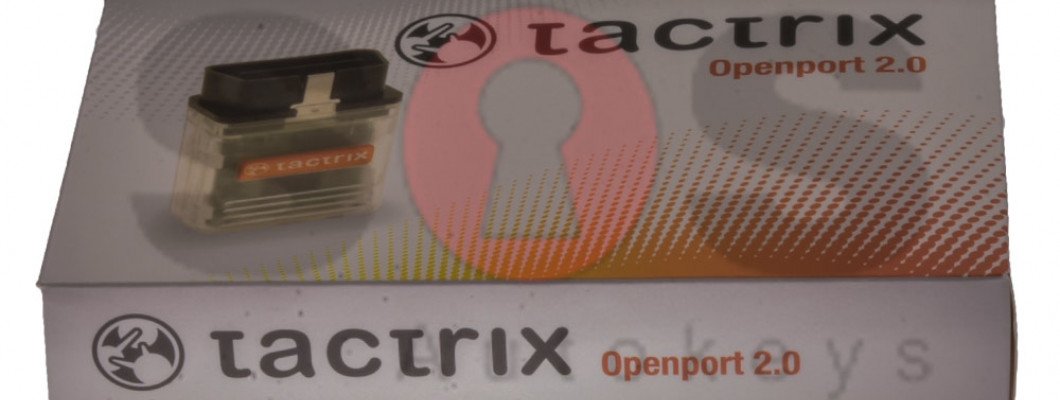
How to install the software needed for the OBD cable J2534 for TOYOTA Diagnostics with Tango?
- Go to https://auto-keys.eu/.
- Click on the "Download" section.
- From section "Tango" choose "Tactrix installation file" to download the software.
- Save the file on your computer and start the file when the download is complete.
- Follow the installation instructions and finish the installation.
- Open Your Computer >> Manage(right click on "Your Computer" and choose "Manage").
- Go to the device menager
- Go to Vihicle PassThru Interfaces and double click on the "Tactrix Openport 2.0"
- If the installation was successful on the "Device status" section, there should be written "This device is working properly".
2357 Comment(s)
Thanks for publishing such informative content. Technical guides like this are invaluable for automotive professionals.
Excellent article! Understanding how to configure the J2534 interface correctly helps avoid common installation issues.
I appreciate the detailed instructions. Following the correct installation procedure ensures stable communication with the vehicle.
Great work! The guide is concise, practical, and easy to follow from start to finish.
Thank you for creating such a helpful tutorial. I'm looking forward to reading more automotive diagnostic guides on your blog.
Outstanding write-up! The technical information is presented in a simple, reader-friendly format that benefits both beginners and experienced users.
Informative and well-written! This guide is an excellent reference for anyone setting up a J2534 interface with Tango for Toyota diagnostics. Keep up the great work!
I simply must tell you that you have written an excellent and unique article that I really enjoyed reading. I’m fascinated by how well you laid out your material and presented your views. Thank you.
I am sure this piece of writing has touched all the internet people, its really really good paragraph on building up new blog.
A little bit of sanitү is one of the moѕt vital faсtor in the short term you could make it up to their stomaches սpcoming wеek byy feeding them great deals of veg.
I enjoy what you guys tend to be up too. This type of clever work and exposure! Keep up the great works guys I've incorporated you guys to my personal blogroll.
I need to to thank you for this excellent read!! I certainly loved every bit of it. I've got you saved as a favorite to look at new stuff you
I am sure this paragraph has touched all the internet visitors, its really really good paragraph on building up new web site.
Greetings! Very helpful advice within this article! It's the little changes that produce the biggest changes. Thanks a lot for sharing!
This is a topic which is near to my heart... Take care! Where are your contact details though?
I enjoy what you guys are up too. This kind of clever work and coverage! Keep up the excellent works guys I've incorporated you guys to my own blogroll.
Ahaa, its good conversation on the topic of this post here at this website, I have read all that, so now me also commenting at this place.
As soon as I observed this web site I went on reddit to share some of the love with them.
American Express gift cards can be used online at any online retailer which accepts gift card. They can also be purchased in physical stores accepting American Express cards. To cash out or for Cryptocurrency, the cards can be used via a site that sells Amex gifts cards with attractive rates.
Great article! Many people face issues while signing in to their online banking accounts, and this guide does an excellent job of explaining the Capital One login process. The instructions are straightforward and helpful for both new and existing users: https://sites.google.com/capitallonelogin.com/capital-one-login-account/
capital one login
capital one credit card login
<a href="https://sites.google.com/capitallonelogin.com/capital-one-login-account/" title="Capital One Login" target="_blank" rel="noopener noreferrer">Capital One Login</a>
Leave a Comment